Working with vendors
Host-only: adding and tracking vendor offers.
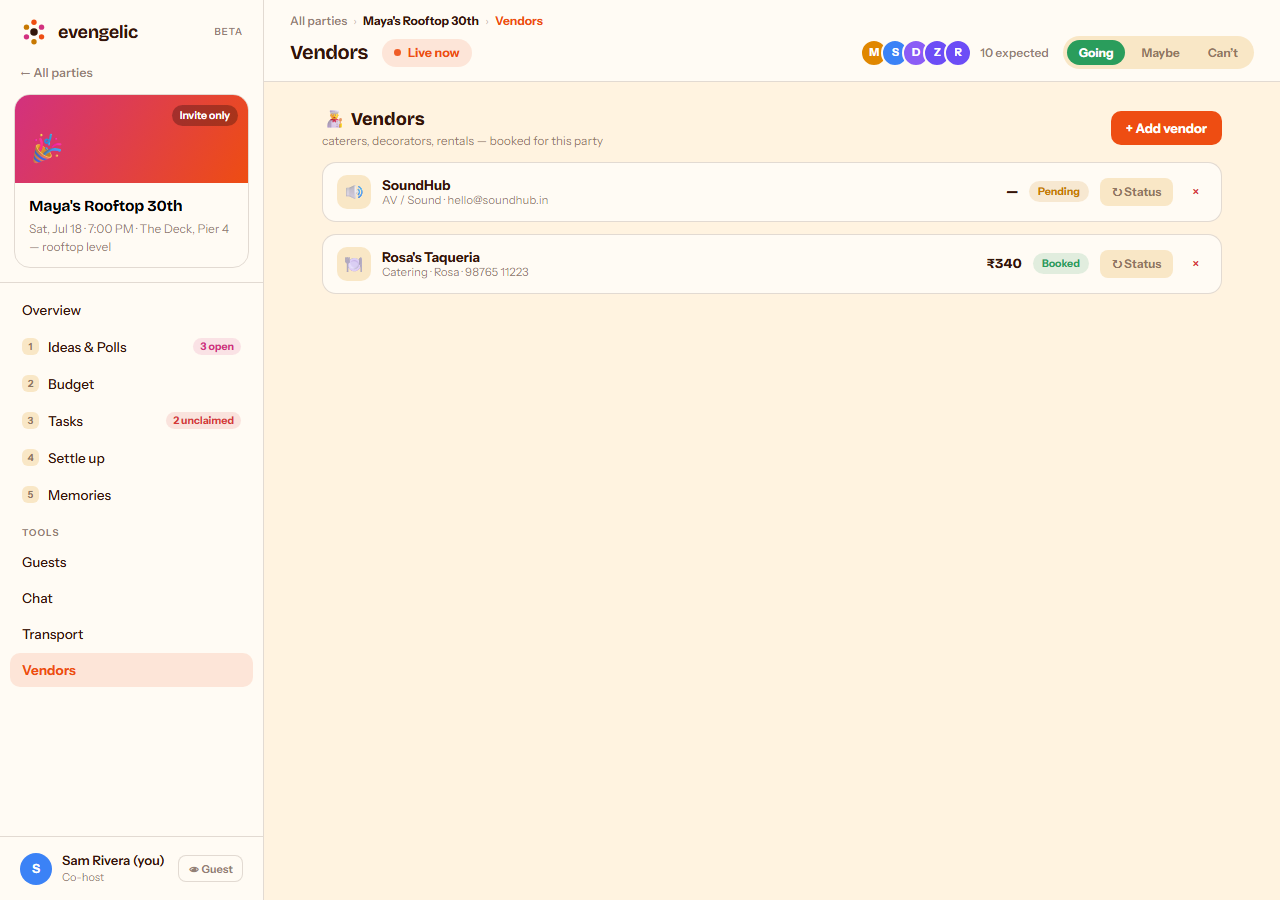
The Vendors tab is where hosts track caterers, decorators, and rentals — who you've contacted, what they quoted, and whether they're booked. Only hosts and co-hosts see this tab; it won't appear for other guests. Every vendor gets a status pill: Pending while you're deciding, Booked once confirmed.
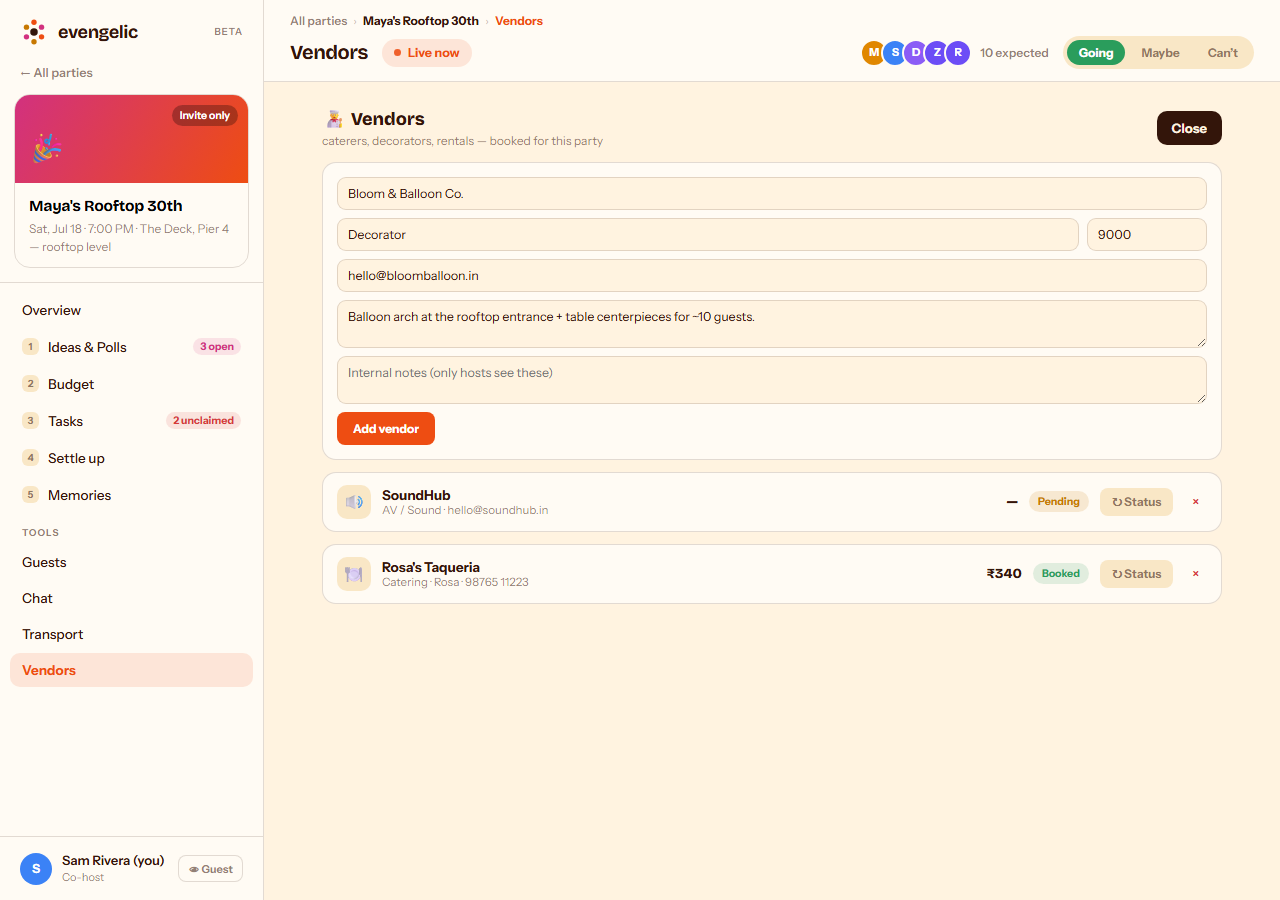
Tap "+ Add vendor" to start tracking a new one. Name and category are the only required fields — contact info, your request to them, and internal notes (visible only to hosts) are all optional.
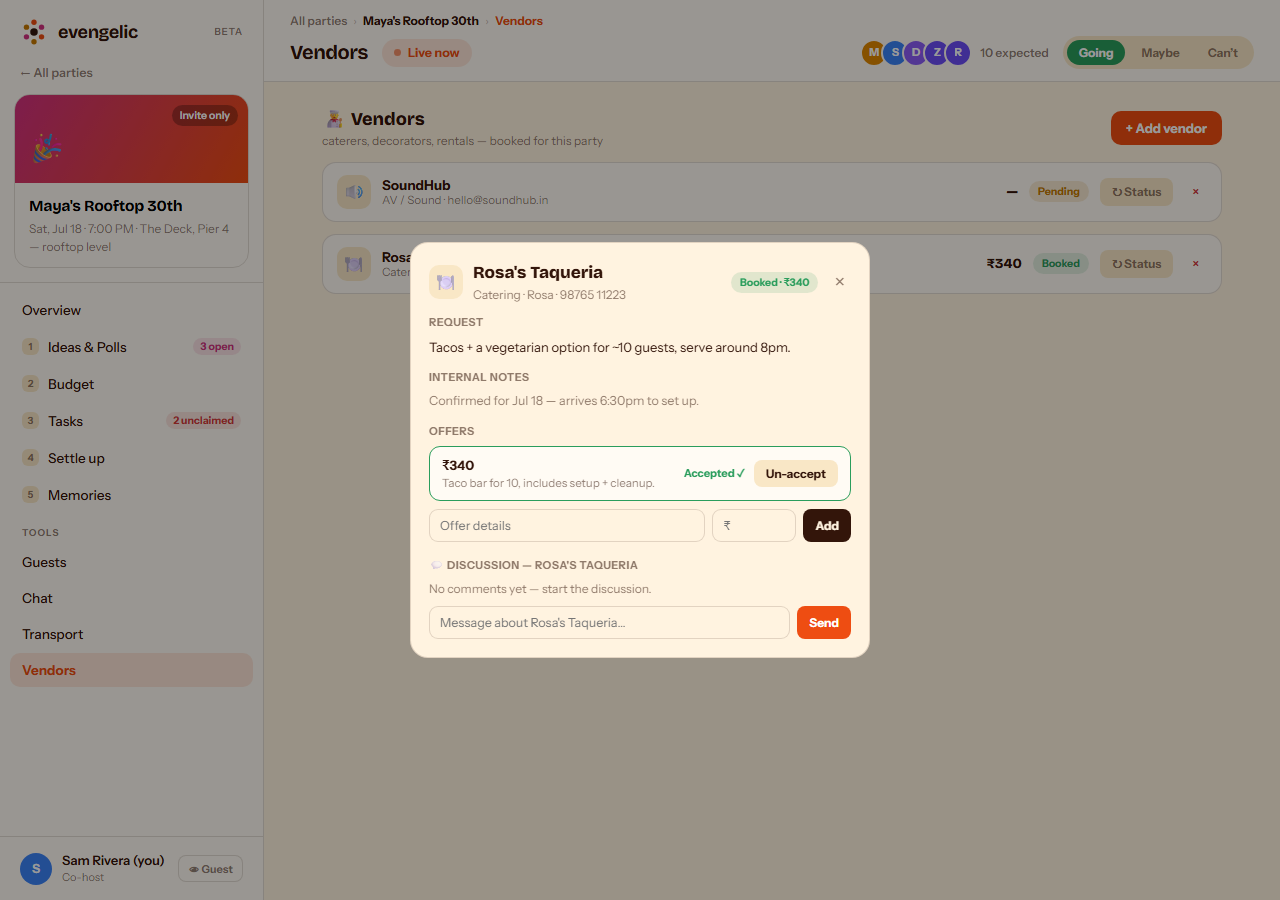
Tap any vendor to open their detail view. Log offers as they come in and accept the one you're going with — the accepted amount becomes the vendor's cost everywhere else in the app. The discussion thread at the bottom keeps all your notes about that vendor in one place.